
 Opinion Writer Marks Trump's 80th Birthday With a Satirical List of 80 Mock Gifts
KillBait - News highlights delivered clearly and responsibly—no clickbait, no sensationalism
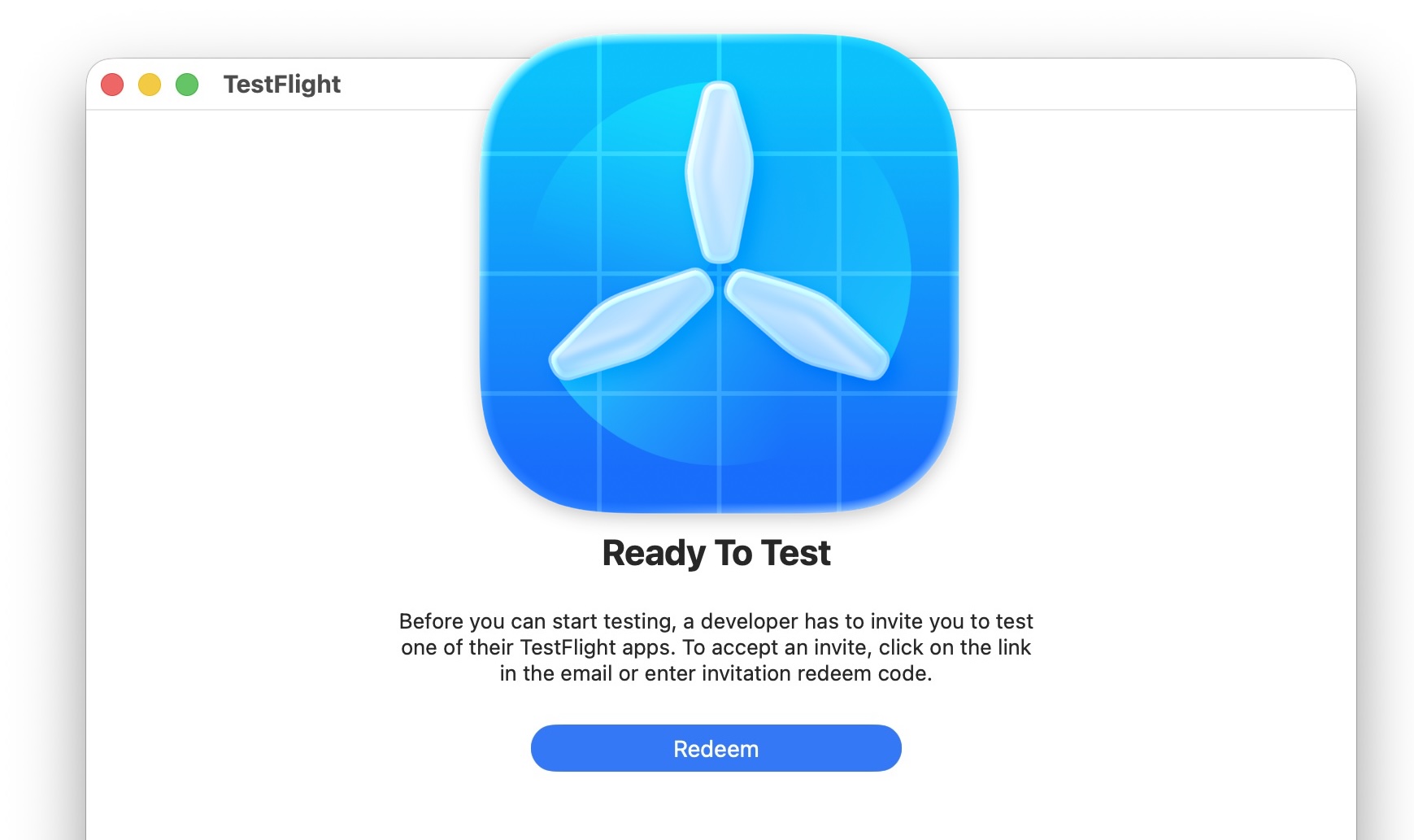
Photo: OS X Daily
2026-06-07 15:22 Computing 19 


Guide to Installing and Testing Beta Apps with Apple's TestFlight on Mac, iPhone, and iPad
OSXDaily explains how Apple users can access and test pre-release applications through TestFlight, Apple's official platform for beta software distribution.
TestFlight allows developers to share upcoming versions of their applications with selected testers before the software becomes publicly available on the App Store.
The article notes that interest in beta testing often increases around Apple's WWDC event, when many developers release early versions of new apps and features.
To participate, users must first install the TestFlight app from the App Store on a compatible device, including Mac, iPhone, iPad, Apple TV, or Apple Vision Pro.
After receiving an invitation from a developer, testers can follow the provided TestFlight link or email invitation, copy the invitation code, and redeem it within the TestFlight application.Once redeemed, the beta app is downloaded and installed automatically.On Macs, the application is placed in the Applications folder, while on iPhones and iPads it appears on the Home Screen.The article emphasizes that the TestFlight experience is largely the same across Apple's platforms.Testers can launch the beta application directly from TestFlight or from their device after installation.Updates for beta apps are also distributed through TestFlight, and users should periodically check for updates if automatic updates are disabled.In addition to installing and running beta software, TestFlight includes tools that allow testers to provide valuable feedback to developers.Users can submit bug reports, share comments, and attach screenshots to help improve the software before its public release.
The article encourages testers to use applications as they normally would and report issues they encounter, contributing to the development process and helping shape the final product.
2325
Original title: How to Get Beta Apps on TestFlight on Mac, iPhone, iPad
The AI system has determined that this news is not clickbait/sensationalist: : The title accurately describes the content of the article and does not use sensational language, exaggerated claims, or misleading promises. It clearly states that the article explains how to obtain beta apps through TestFlight on Apple devices. This has coincided with the opinion of the majority of users.
You may also be interested in...
Opinion Writer Marks Trump's 80th Birthday With a Satirical List of 80 Mock Gifts
 Photographs by Adrian Gee Document Everyday Life in Cornwall During the 1960s
 Amazon Stock Pullback Spurs Debate Over Valuation and Long-Term Growth Potential