
 Technical Insights from Rebuilding a macOS Gaming Diagnostics App in Swift
KillBait - News highlights delivered clearly and responsibly—no clickbait, no sensationalism
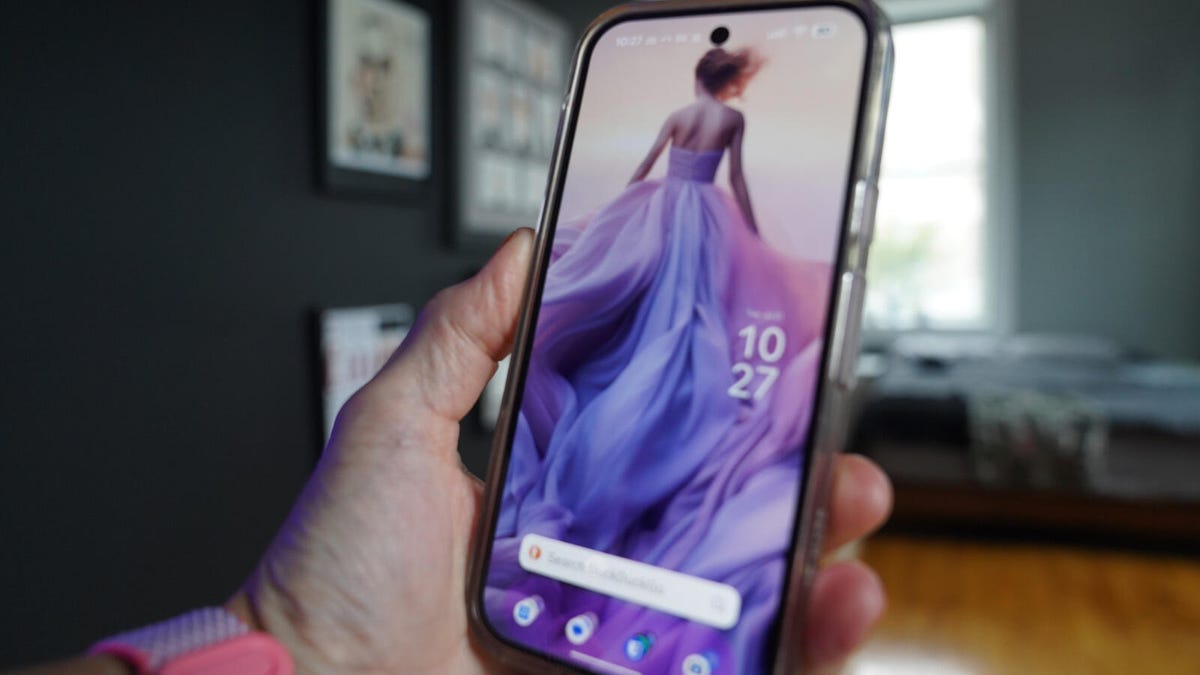
Photo: ZDNET
2026-07-22 19:34 Computing 10


Google Messages Themes Help Prevent Accidental Miscommunication
The article discusses how users can leverage Google Messages themes to avoid sending messages to the wrong recipient.With multiple chats active, it's easy to accidentally reply to the incorrect thread, leading to potential embarrassment or sensitive information leaks.
The author shares their personal experience of misdirected messages and explains how applying distinct themes to chats makes them visually distinguishable.By customizing background images and color schemes, users can personalize their chat interfaces while reducing errors.The process involves accessing chat settings, selecting a theme, and adjusting the color palette for optimal visual harmony.This feature is available on Android devices and enhances both functionality and aesthetics.
The author emphasizes the importance of avoiding sensitive communication via unsecured chats and highlights how themed conversations can improve user experience by aligning with the recipient's vibe.Overall, Google Messages themes offer a practical solution for managing complex chat interactions without compromising security or personalization.
2186
Original title: How to use themes in Google Messages so you never send the wrong person the wrong text again
The AI system has determined that this news is clickbait/sensationalist: : The original title uses hyperbolic language ('never send the wrong person the wrong text again') to create sensationalism, which is typical of clickbait headlines. This has coincided with the opinion of the majority of users.
You may also be interested in...
Technical Insights from Rebuilding a macOS Gaming Diagnostics App in Swift
 Catherine Scorsese's Unscripted Role in Goodfellas: The Heart of the Film's Iconic Scene
 Jon Ossoff Surges in Democratic Presidential Predictions, Signals Potential 2028 Bid