
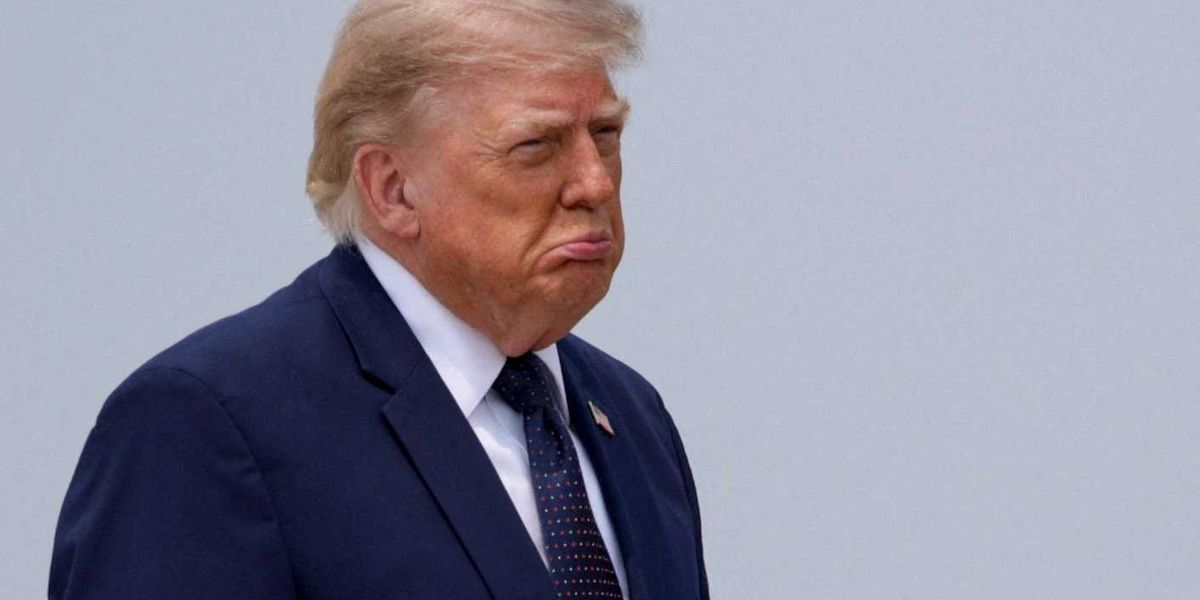
 Trump Reacts to Wildfire Smoke Impacting U.S. Air Quality
KillBait - News highlights delivered clearly and responsibly—no clickbait, no sensationalism
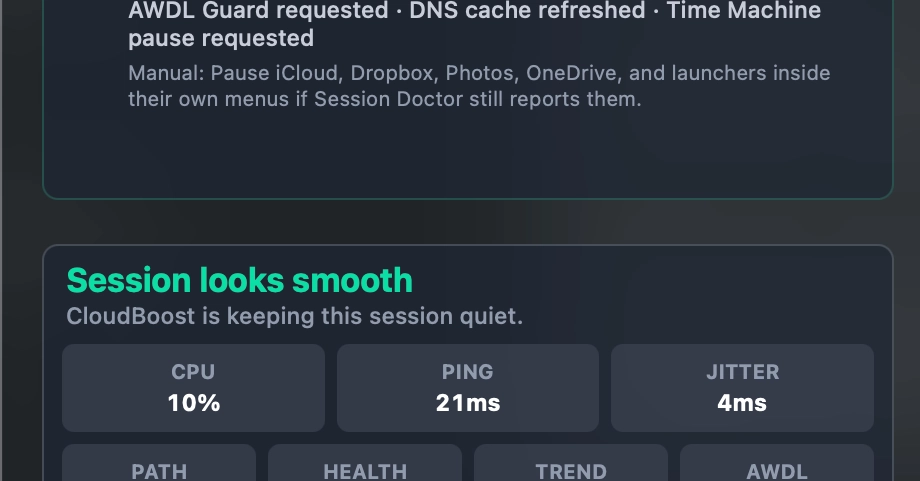
Photo: DEV Community
2026-07-17 22:34 Computing 10


Technical Insights from Rebuilding a macOS Gaming Diagnostics App in Swift
The article details the author's experience in improving a macOS gaming diagnostics tool called CloudBoost.Initially, the app struggled to provide actionable insights into cloud gaming instability issues like sudden latency spikes or network fluctuations.The revised version focuses on explaining session-specific problems rather than acting as a generic 'game booster.
' Key updates include real-time monitoring of signals such as latency, network path changes, Wi-Fi activity, and thermal pressure, which are transformed into a timeline with severity ratings, potential causes, and suggested troubleshooting steps.
For example, instead of vague alerts like 'network unstable,' the app now recommends testing Ethernet connections or disabling VPNs temporarily.
The tool also applies reversible temporary adjustments during sessions, such as refreshing DNS states or adjusting background traffic, without terminating user applications.CloudBoost PRO, a paid version, adds automation, advanced diagnostics, and priority support.
The author emphasizes distinguishing between network/system instability and native-game issues like shader compilation stutter, improving the app's diagnostic clarity.
2189
Original title: What I learned rebuilding a macOS gaming diagnostics app in Swift
The AI system has determined that this news is not clickbait/sensationalist: : The original title is straightforward and informative, focusing on technical learning rather than sensationalism. This has coincided with the opinion of the majority of users.
You may also be interested in...
Trump Reacts to Wildfire Smoke Impacting U.S. Air Quality
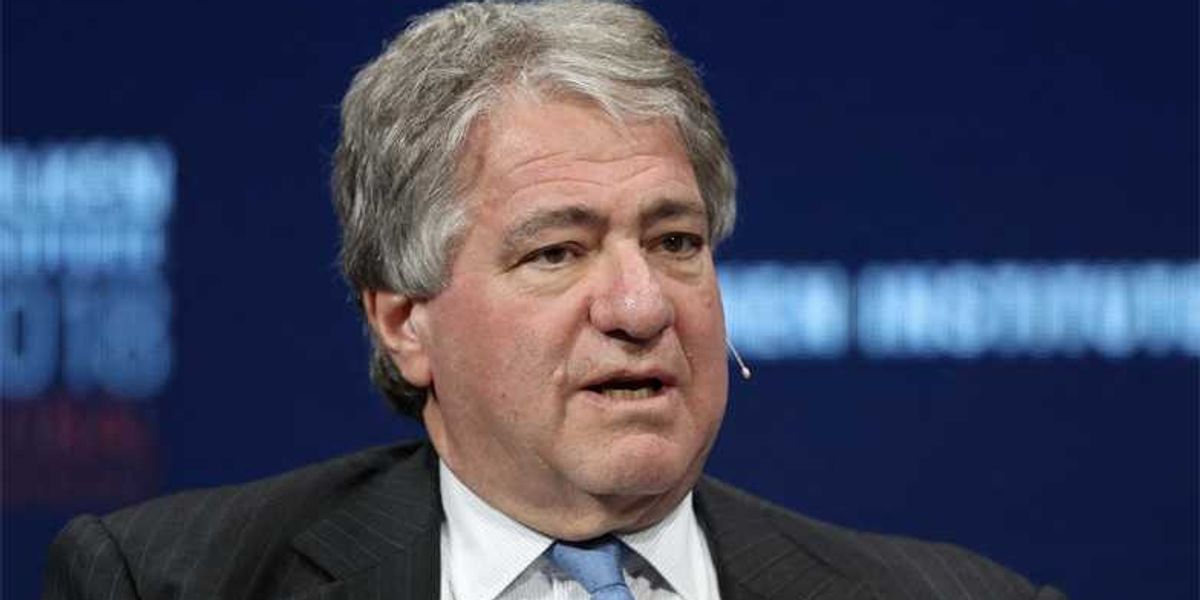 Leon Black Testifies About Epstein's Role in Nondisclosure Agreements
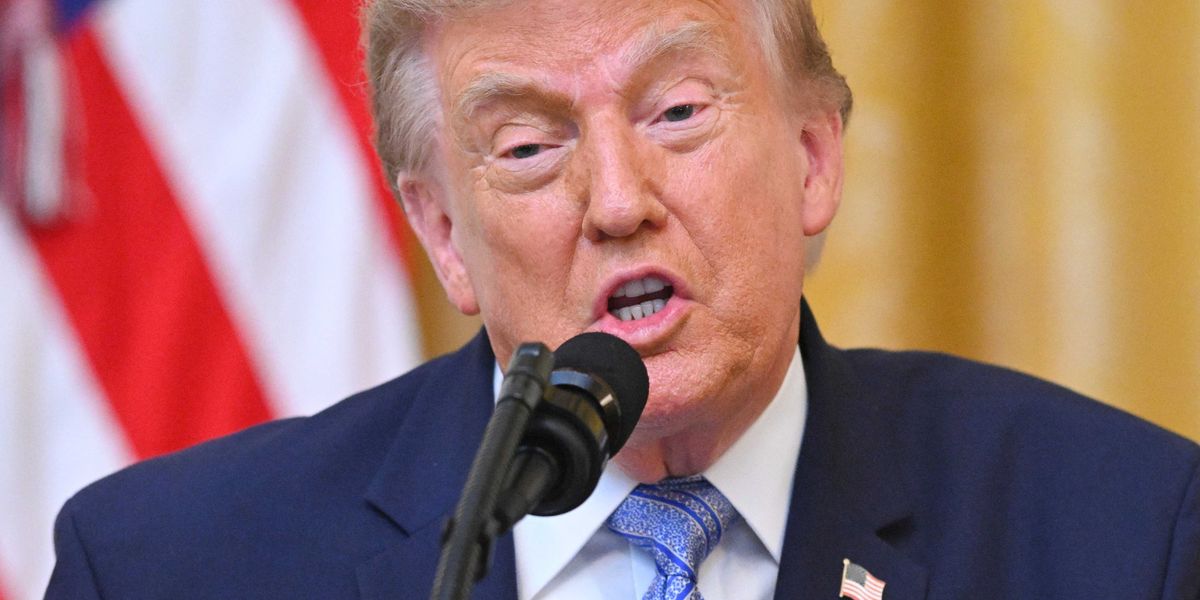 FCC Commissioner Defends Broadcasters After Trump Demands License Revocation